
You are on the documentation page for the Product Enquiry (Dotaz na produkt) plugin, which displays a contact form on the WooCommerce product page. You can purchase the Product Enquiry plugin here: Toret Product Enquiry for WooCommerce
Plugin Installation
Upon purchasing the plugin, you will receive a license key and a download link for the plugin zip file via email. You can find detailed instructions on how to install the plugin from your computer into WordPress here.
Plugin Activation
You can find plugin settings in Toret plugins -> Dotaz na produkt.
In this tab, you will find a field to insert the license key you received via email. After inserting it, the plugin will be active.
Plugin Settings
After installation and activation of the plugin, you can go to the plugin settings.
You can access the plugin settings in the WordPress administration under the section Toret pluginy -> Dotaz na produkt.
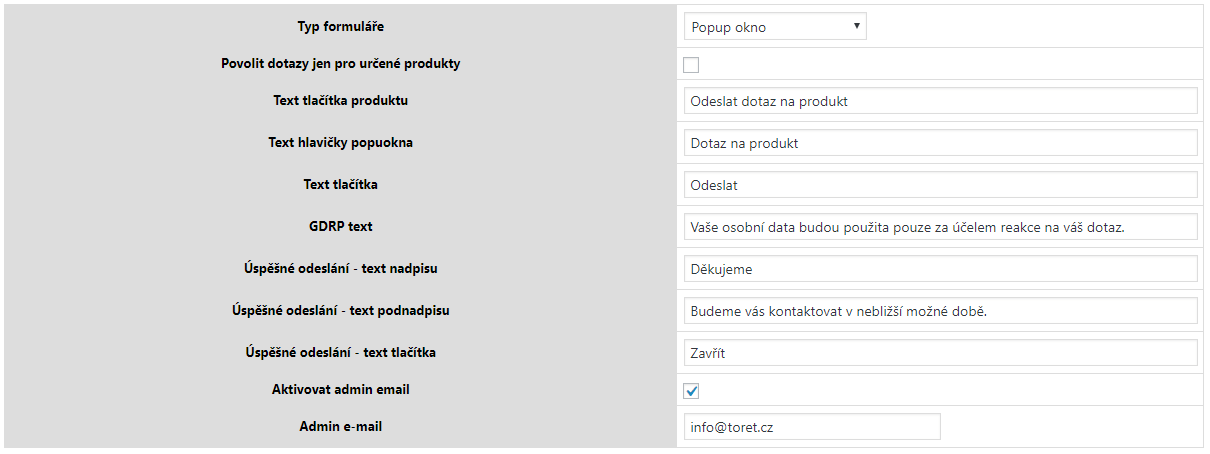
The product settings contain the following items:
- Typ formuláře (Form type) – choice between a pop-up form or a form in a tab
- Povolit dotazy jen pro určené produkty (Enable enquiries only for specific products) – activation disables the bulk display of the form, and you must activate it for selected products.
- Text tlačítka produktu (Product button text)
- Odeslat dotaz na produkt (Send product enquiry)
- Text hlavičky popuokna (Popup window header text)
- Dotaz na produkt (Product enquiry)
- Text tlačítka (Button text)
- GDRP text
- Úspěšné odeslání – text nadpisu (Successful submission – title text)
- Úspěšné odeslání – text podnadpisu (Successful submission – subtitle text)
- Úspěšné odeslání – text tlačítka (Successful submission – button text)
- Aktivovat admin email (Activate admin email) – checking enables admin email settings.
- Admin e-mail – enter the email where you want to send filled forms.
The plugin also allows displaying the form only for selected products. When this option is activated in the settings, a checkbox option Povolit dotazy (Enable enquiries) will appear in the product detail in the Data dotazů na produkt box. You can activate the form display here.
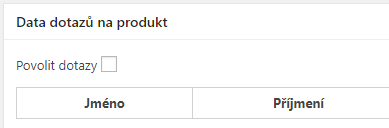
For each product, there is a “Data dotazů na produkt” box where submission information is displayed and there is an option to delete this information.

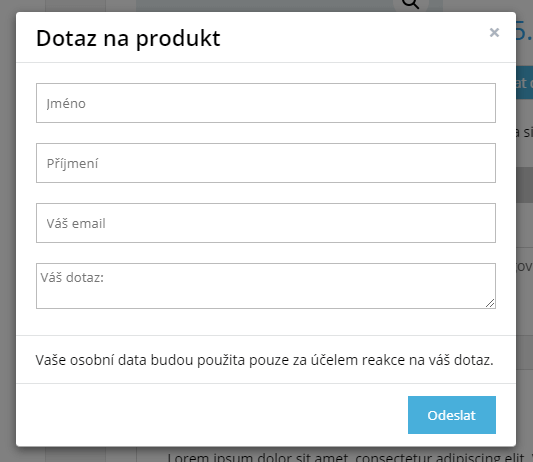
The plugin has two display modes. Display the form as a pop-up window.
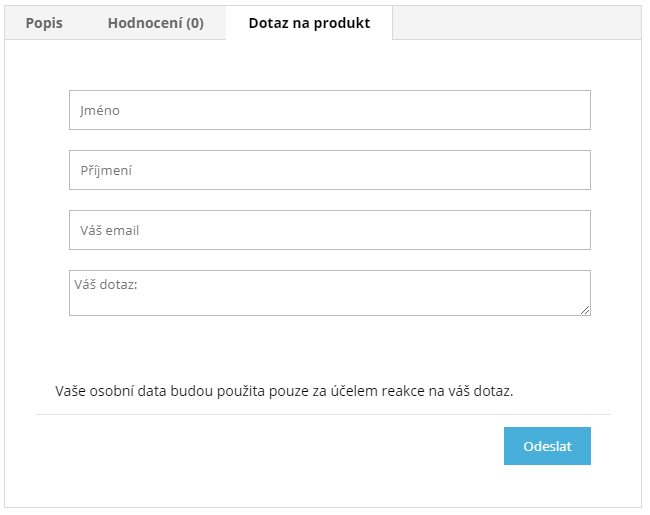
Or as a tab in the product detail.
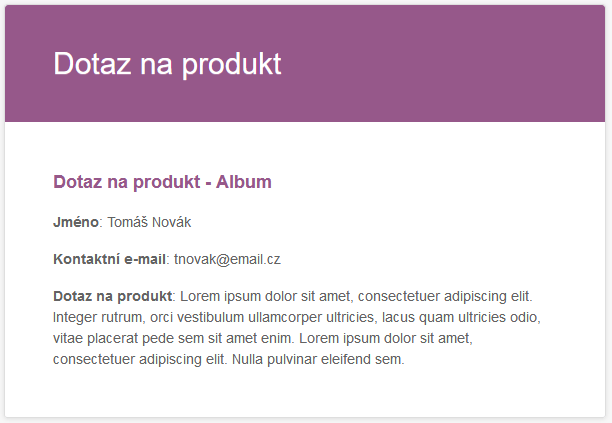
The email with the enquiry, which is sent to the set mailbox, contains all information, including the product name where the form was submitted. The email design is based on WooCommerce settings.
Plugin testing
For testing purposes, you can use:
- the subdomain “dev.domainlicense” (with the same license as for the production website)
- localhost (127.0.0.1)
Purchased plugins will also work in these locations, and you can test their implementation and compatibility here before deploying them to the website and during its use.