To install the plugin on your WordPress site, you must first download it.
Downloading the Plugin
You can download it from:
- the order completion email
- the My Account section on Toret.cz (order detail)
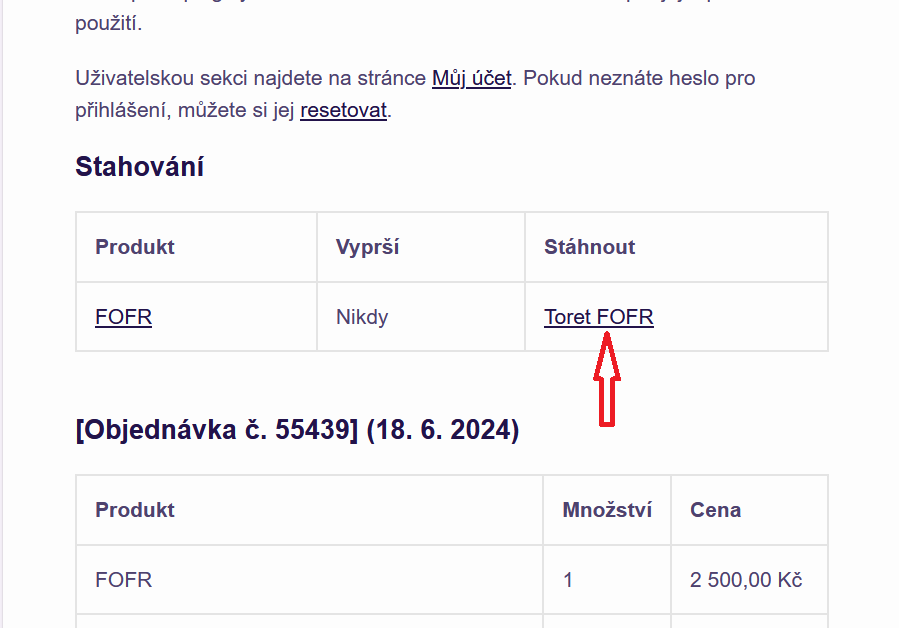
Downloading the plugin from email
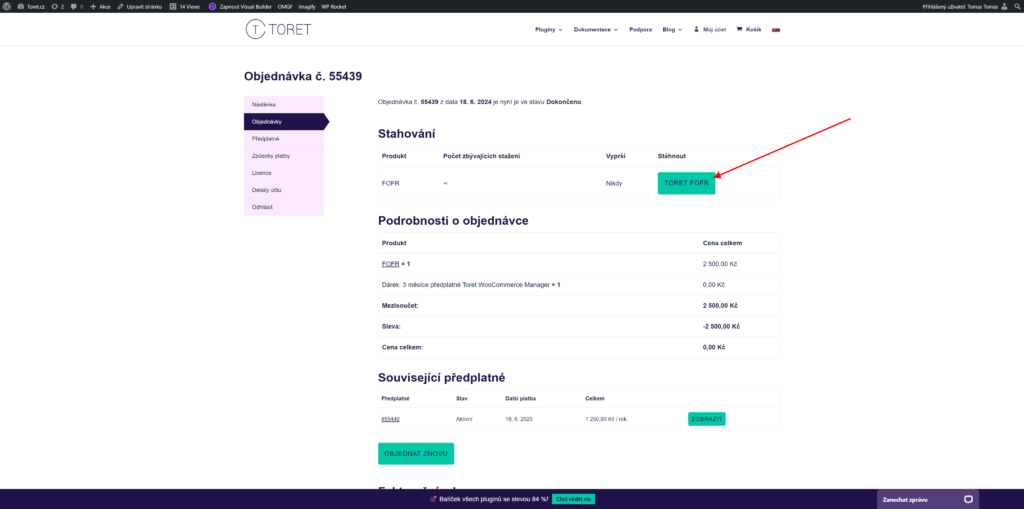
Order detail
Plugin Installation
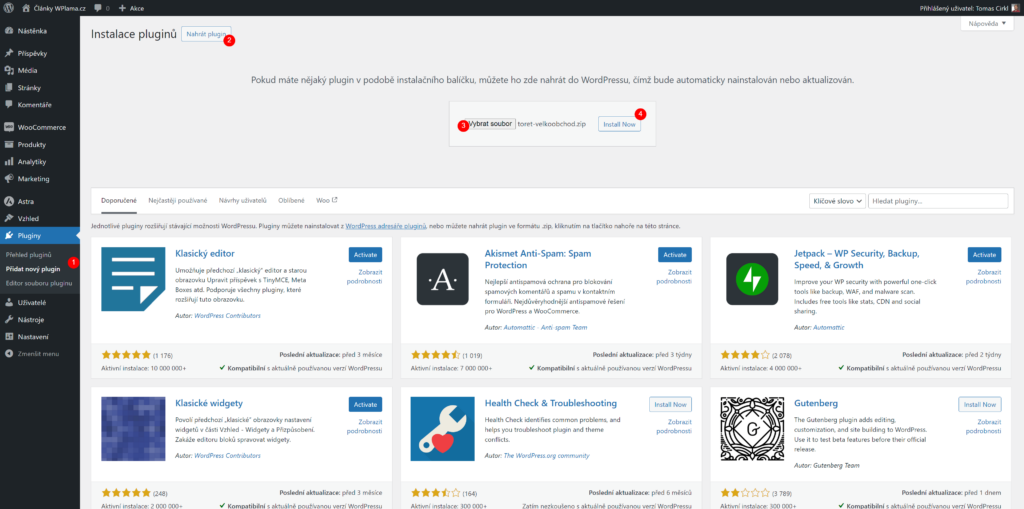
Once you have the plugin downloaded, log in to the WordPress administration and select Plugins > Add New (1) in the left menu and click the Upload Plugin button (2).
A form to select the plugin from your computer will appear. Click Choose File (3) and select it. Finally, click the Install Now button (4).
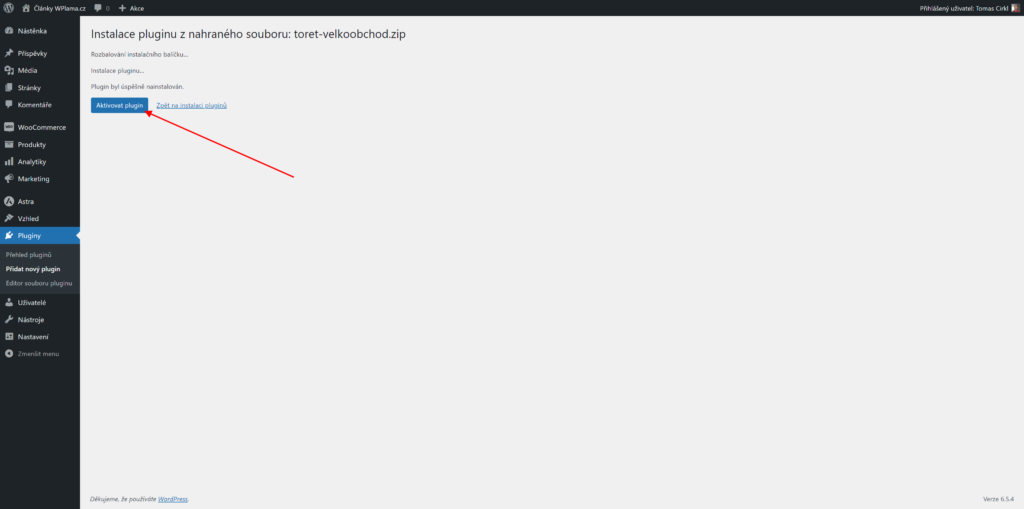
The file will be uploaded to WordPress, and a window will appear where you can immediately activate the uploaded plugin.